Documentation
What it does
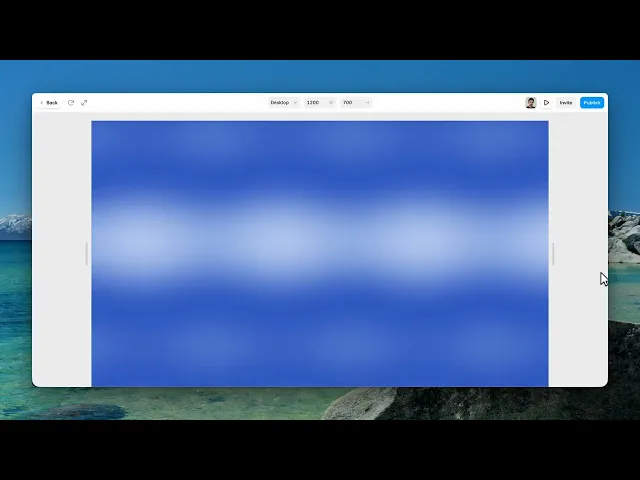
Two layers of flowing waves moving over each other, with a glow that follows the cursor.
It's one of the calmer animated backgrounds — enough movement to feel alive, not enough to fight whatever you put in front of it.
Controls
12 controls, 2 of which only appear when they are relevant.
Control | Type | Default | Notes |
|---|---|---|---|
Theme | Enum | Light / Dark — default | conditional |
Preset | Enum | Theme / Ocean / Sunset / Aurora / Mono / Nebula — default | — |
Highlight | Color |
| — |
Deep | Color |
| — |
Speed | Number |
| 0–3 |
Intensity | Number |
| 0–2 |
Scale | Number |
| .25–3 |
Grain | Number |
| 0–.5 |
Cursor | Boolean |
| — |
Cursor Strength | Number |
| 0–2 · conditional |
Quality | Number |
| .25–2 |
Reduced Motion | Boolean |
| — |
Working through the panel
Preset and colour
Preset is where you start: theme, ocean, sunset, aurora, mono or nebula.
Leave it on Theme and a Theme control appears with light and dark — which means the component follows your site's mode instead of committing to one palette. That's the setting to use if your site has a dark mode.
Pick any other preset and you get a fixed palette, with Highlight and Deep colours you can adjust underneath.
The waves
Speed is the flow rate. Intensity is how pronounced the waves are — low is a gentle undulation, high has real movement in it.
Scale zooms the whole field, which changes how many wave forms fit across the frame.
And Grain adds texture. It starts at zero, but adding a little is almost always worth it — large smooth areas of colour band on big screens and grain is what hides it.
Cursor, quality and motion
Cursor is on by default: the waves brighten and bend toward the pointer, with Cursor Strength setting how much.
Quality is a real performance trade — lower it and the render gets cheaper and slightly rougher. Worth dropping on a page that already has other effects on it.
And Reduced Motion is on by default. That means visitors who've asked their system to reduce animation get a calmer version automatically. Leave it on — it costs you nothing and it's the difference between a background and a problem for someone with motion sensitivity.
Performance and limits
It stops rendering when it scrolls out of view, so an instance below the fold costs nothing until the visitor reaches it.
Visitors whose system asks for reduced motion get a calmer version automatically.
Static rendering is handled, so canvas thumbnails and exports show a settled frame rather than a blank box.
It renders with WebGL at whatever size and pixel density the frame needs — there is no image to download and no resolution to outgrow.
Good to know
No setup or coding required. Responsive across desktop, tablet, and mobile.
Refund policy — due to the nature of digital products, all sales are final. Once purchased, this component is non-refundable. Please make sure it fits your needs before completing the checkout.
Support: hi@alicorak.com




