Documentation
What it does
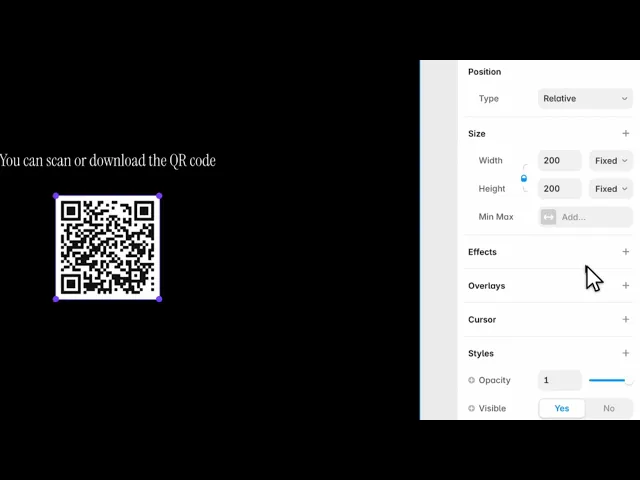
It builds a QR code from what you type, styles it to match your brand, and lets visitors download it.
The code is generated in the browser. Nothing is sent anywhere, and there's no service that can stop working and break every code you've published.
Controls
42 controls, 33 of which only appear when they are relevant.
Control | Type | Default | Notes |
|---|---|---|---|
Type | Enum | URL / Text / Wi-Fi / Email / Phone / SMS / Location / vCard — default | — |
URL | String |
| conditional |
Text | String |
| conditional |
Network | String |
| conditional |
Password | String | — | conditional |
Security | Enum | WPA/WPA2 / WEP / None — default | conditional |
Hidden | Boolean |
| conditional |
To | String |
| conditional |
Subject | String | — | conditional |
Body | String | — | conditional |
Number | String |
| conditional |
Number | String |
| conditional |
Message | String | — | conditional |
Latitude | Number |
| conditional |
Longitude | Number |
| conditional |
First Name | String |
| conditional |
Last Name | String |
| conditional |
Company | String | — | conditional |
Job Title | String | — | conditional |
Phone | String | — | conditional |
String | — | conditional | |
Website | String | — | conditional |
Address | String | — | conditional |
Color | Color |
| — |
Gradient | Boolean |
| — |
Color 2 | Color |
| conditional |
Angle | Number |
| 0–360° · conditional |
Background | Color |
| conditional |
Transparent | Boolean |
| — |
Module Style | Enum | Square / Rounded / Dots — default | — |
Roundness | Number |
| 0–.5 · conditional |
Error Correction | Enum | 7% / 15% / 25% / 30% — default | — |
Quiet Zone | Number |
| 0–10 |
Logo | ResponsiveImage | — | — |
Logo Size | Number |
| 8–35% · conditional |
Logo Padding | Number |
| 0–6 · conditional |
Logo BG | Color |
| conditional |
Logo Radius | Number |
| 0–12 · conditional |
Download Button | Boolean |
| — |
Format | Enum | PNG / SVG — default | conditional |
PNG Size | Number |
| 4–16 · conditional |
Button Label | String |
| conditional |
Working through the panel
Type is a mode switch
Forty-two controls, but Type hides most of them. Pick one of the eight and only its fields appear.
URL and Text are what you'd expect. But the others encode structured data that phones understand natively.
Wi-Fi takes a network name, a password and a security type — scanning it joins the network, no typing. Email takes a recipient, subject and body. Phone and SMS dial or open a message. Location takes coordinates and opens a map.
And vCard is the whole contact card: name, company, job title, phone, email, website and address. Scanning it offers to save you as a contact.
That's the reason to use this rather than pasting a link — most people only ever make URL codes and miss the rest.
Styling the code
Color is the code itself, and Gradient adds a second colour with an angle. Background can be set or made Transparent, which is how you place a code over a photograph.
Module Style is square, rounded or dots — the shape of each cell. Rounded reveals a Roundness control.
Now the one that matters. Error Correction has four levels, from seven percent up to thirty. It's how much of the code can be obscured while still scanning.
Raise it before you add a logo. That's what makes the middle of a code coverable — the redundancy is doing the work, not luck.
And Quiet Zone is the empty margin. Don't reduce it to nothing. Scanners need that border to find the code at all.
Logo and download
Logo places your mark in the centre, with size, padding, a background and a radius behind it.
Keep the size modest and raise the error correction to match. A large logo on a low correction level produces a code that scans in your test and fails on someone else's phone in bad light.
Download Button lets visitors save it, with a Format — PNG or SVG — a PNG size, and a button label.
Offer SVG when the code is for print. A QR code is pure geometry, and a vector version scales to a poster without softening.
Good to know
No setup or coding required. Responsive across desktop, tablet, and mobile.
Refund policy — due to the nature of digital products, all sales are final. Once purchased, this component is non-refundable. Please make sure it fits your needs before completing the checkout.
Support: hi@alicorak.com





