Documentation
What it does
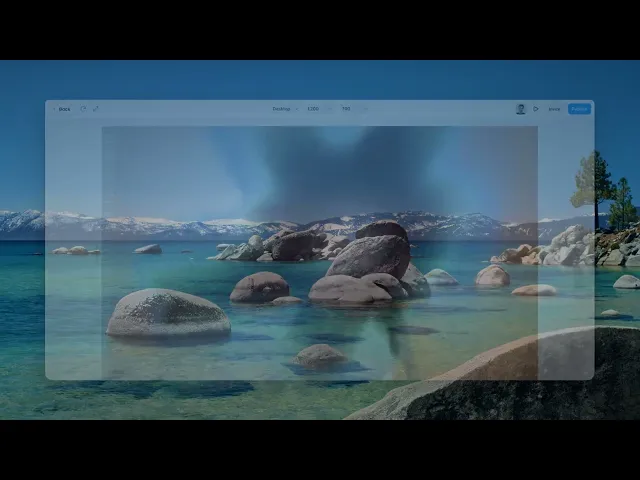
It turns your image into a surface that ripples — gently on its own, more when the cursor is over it, and hardest when you click.
Three levels of the same effect, which is what makes it feel like water rather than an animation playing on a loop.
Where you would use it
Hero images, product shots, gallery items — anywhere a still photograph would sit flat.
It works best on images with clear structure. Ripples distort what's underneath, so a picture with fine detail or small text will look damaged rather than fluid.
Perfect for hero sections, portfolios, creative showcases, landing pages, and experimental interfaces where motion becomes part of the visual identity.
Controls
6 controls.
Control | Type | Default | Notes |
|---|---|---|---|
Image | ResponsiveImage | — | — |
Intensity | Number |
| 0–1 |
Hover Int. | Number |
| 0–1 |
Click Int. | Number |
| 0–2 |
Speed | Number |
| 0–3 |
Frequency | Number |
| .1–10 |
Working through the panel
The three intensities
Intensity is the resting state — what the image does when nobody's touching it. Keep this low. It's ambience, and a strong resting ripple is exhausting to sit next to.
Hover Intensity takes over when the cursor arrives. This is where most of the effect should live, because it's a response to the visitor rather than something happening at them.
And Click Intensity is the moment of impact, which goes higher than the other two. The gap between the three is what makes the surface feel reactive.
Speed and Frequency
Speed is how fast the ripples travel. Frequency is how many there are — low gives you a few broad waves, high gives a fine, busy surface.
The pairing matters more than either alone. Low frequency with low speed reads as deep water. High frequency with high speed reads as rain. Most images suit something closer to the first.
Performance and limits
It stops rendering when it scrolls out of view, so an instance below the fold costs nothing until the visitor reaches it.
Static rendering is handled, so canvas thumbnails and exports show a settled frame rather than a blank box.
It renders with WebGL at whatever size and pixel density the frame needs — there is no image to download and no resolution to outgrow.
Good to know
No setup or coding required. Responsive across desktop, tablet, and mobile.
Refund policy — due to the nature of digital products, all sales are final. Once purchased, this component is non-refundable. Please make sure it fits your needs before completing the checkout.
Support: hi@alicorak.com




